
Google’s AI personalization can turn Gmail and Photos insights into ad signals
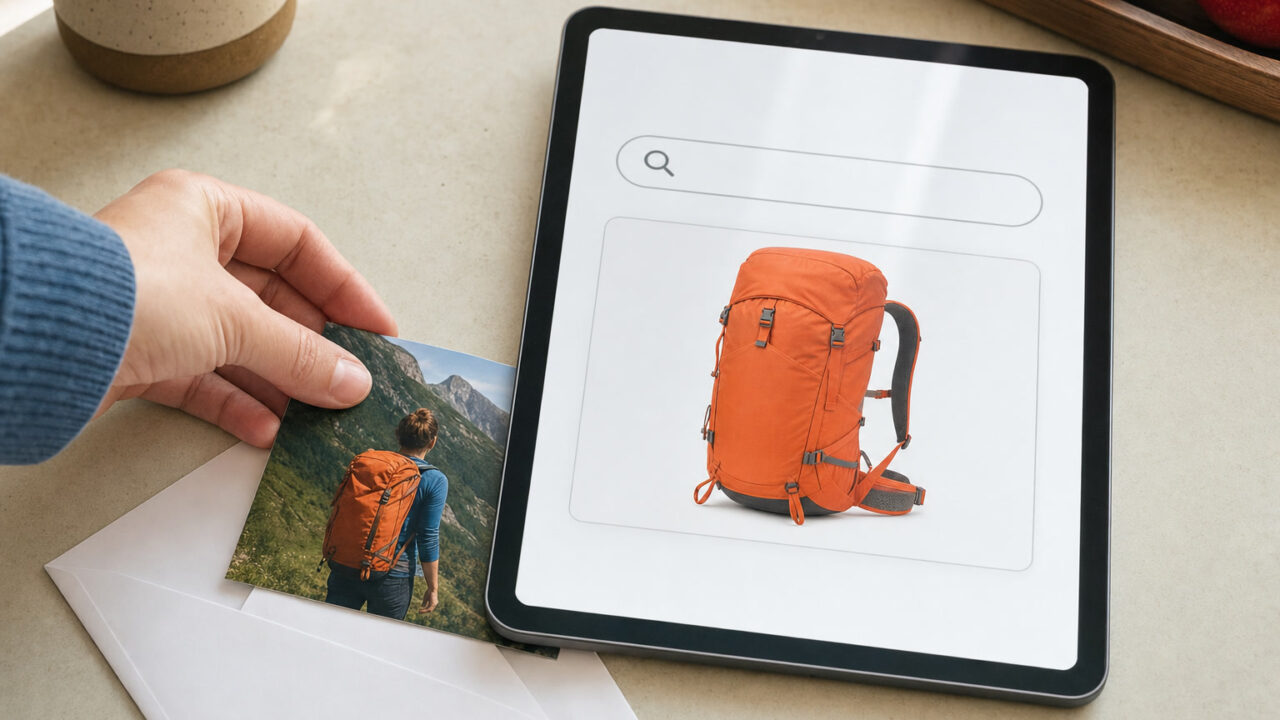
Google’s promise not to use Gmail and Google Photos content for personalized advertising now comes with an important exception: connect those services to Search, and information drawn from them may help determine which ads you see.
The distinction surfaced in reporting by The Hacker News on October 24, which credited Android Authority with first highlighting the policy language. Google’s current privacy policy, effective October 16, 2026, confirms the exception. This article was published on October 26, 2026, UTC; the policy did not take effect today.
For readers deciding whether to connect private email and photos to Google’s artificial intelligence features, the practical issue is not simply whether those features produce useful answers. It is what other uses become possible when information crosses from one Google service into another.
What Google’s policy actually permits
The privacy policy says users can choose to let services such as Search or Gemini Apps access information from other Google products, including Photos and Workspace applications such as Gmail and Drive. That access is subject to the policies and settings of the receiving service.
Google then gives a specific example: “Search may process some of the data that you allow Search to access to personalize content, including ads.”
A separate passage makes the change to the familiar advertising assurance explicit. Google says it does not show personalized ads based on Drive, Gmail or Photos content “unless you choose to make data from these services available to other Google services that support personalized ads.”
That is a conditional permission, not a statement that every Gmail inbox or photo library is automatically being used for advertising. It also does not establish that every piece of information made available to Search has already influenced an ad. The policy describes what Google permits under the relevant choices and settings.
The key distinction: your library versus insights extracted from it
Google’s official explanation of connected content apps supplies a more precise account of the advertising mechanism than the broad policy wording alone.
The company says ads will not be based directly on a user’s Gmail inbox or Google Photos library. But Search may reference “summaries, excerpts and inferences” from connected sources to personalize the experience, and that same information may be used to show ads.
An inference is a conclusion drawn from information rather than something a user has explicitly entered as a preference. Google’s documentation describes personalized travel and restaurant suggestions based on material such as reservations, emails and photos. The advertising implication is that the information extracted to make those responses useful can also become an advertising signal.
Google says advertisers will not receive access to a connected Gmail inbox or Photos library. It also says it does not show personalized ads based on sensitive categories such as health, religion, race or sexual orientation. Those assurances matter, but they are different from a promise that insights derived from private content will never be used for advertising.
The confirmed example here concerns Search services. The policy’s reference to Gemini does not, by itself, establish that Gemini conversations are being used to target ads in the same way. Permissions and policies need to be checked for the particular service receiving the data.
Connecting an app can extend beyond an AI chat
Google calls its tailored AI experience Personal Intelligence. In Search, it can draw on previous activity and, when users connect content apps, information from services such as Gmail and Photos to make responses more specific to them.
The scope is broader than a single AI Mode conversation. Google’s support page says connecting content apps permits access across Search services, including Search, Maps, Shopping, Flights, Hotels, Translate and News. Exactly which connections are available depends on the user’s region, language and account eligibility.
That makes the permission screen an important privacy decision. A person connecting email to obtain a better travel answer should not assume the authorization is limited to that answer, or that the information remains subject only to Gmail’s usual advertising boundary.
This is not a reported data breach. The issue is Google’s disclosed use of information after a user authorizes a connection, rather than evidence of an attacker obtaining private messages or photographs.
How to review the relevant controls
Users can visit Search Services Personalization and check which content apps are connected under Additional Personal Intelligence Connected Content Apps. Google says connections can be adjusted or disconnected at any time, and AI Mode remains usable without connecting those apps.
There is also a broader Personalized Recommendations setting. Google’s instructions for that control direct users through Google Account, Data & privacy and Personalization settings, or to the same Search personalization page. The company warns that settings are rolling out gradually, so some accounts may still use Web & App Activity controls instead.
Disconnecting an app should not be confused with deleting information already recorded in Search. Google says disconnecting a content app, or deleting information inside that app, does not delete associated Search Services History. That history needs to be reviewed separately. Advertising preferences can also be checked in My Ad Center.
A VPN does not override account permissions
This is a privacy boundary that a VPN cannot enforce. A VPN can change the internet address a service sees and protect the network path between a device and the VPN provider. It does not stop Google processing information that a signed-in user has authorized Search to retrieve from their Google account.
For this particular development, the effective decision is whether to connect private content to Search, followed by reviewing personalization, advertising and stored-history controls separately. Keeping a VPN switched on is not a substitute for making those account-level choices.
Sources & further reading
- Google Privacy Policy — effective October 16, 2026 (opens in a new tab)
- Google Search Help — connected content apps, advertising and history controls (opens in a new tab)
- Google Search Help — manage Personalized Recommendations (opens in a new tab)
- The Hacker News — October 24 reporting on Google privacy policy and AI personalization (opens in a new tab)