
pCloud Pass reports cyberattack after users receive unfamiliar device alerts
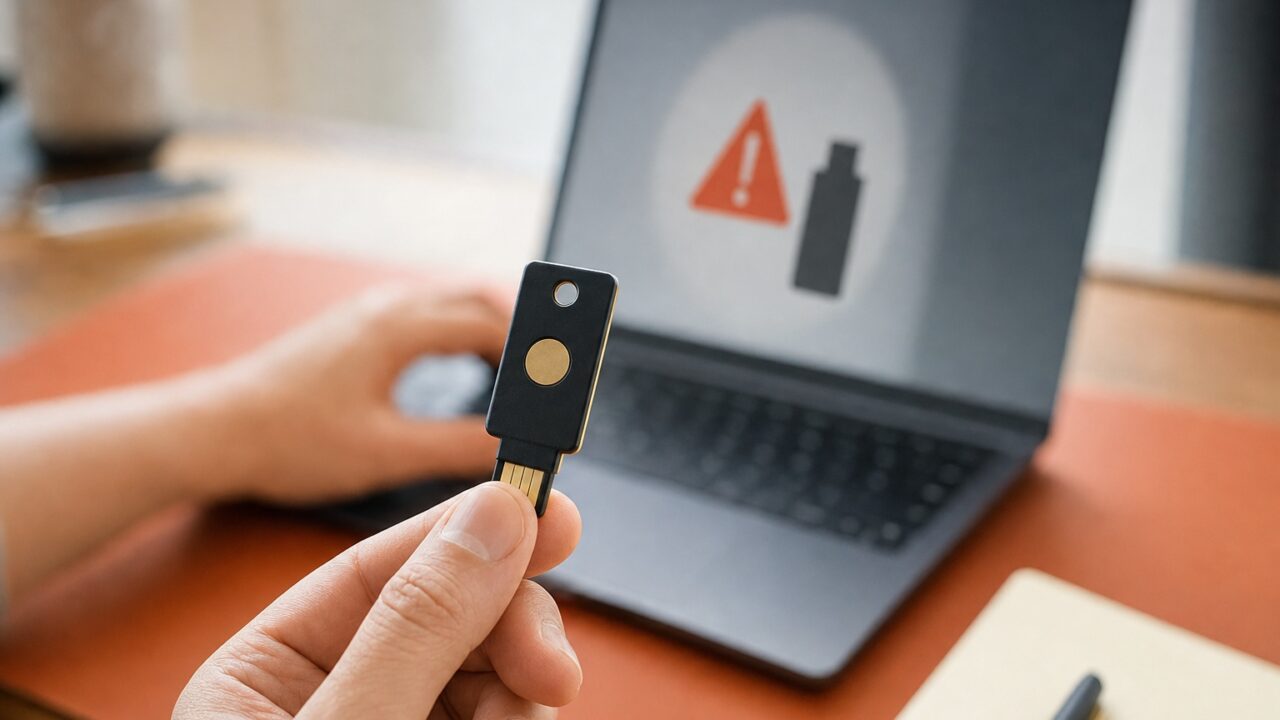
Password manager pCloud Pass has reported a cyberattack that exposed a small number of users’ email addresses and prompted login attempts, after users said they received alerts about unfamiliar devices connecting to their accounts.
The company says it contained the attack and that passwords, notes and other data stored in the service remain encrypted. But important questions remain unanswered, including whether anyone downloaded encrypted password vaults or successfully accessed accounts. A notification about an unfamiliar device is worth investigating; it is not, by itself, proof that the contents of a vault were read.
What pCloud has disclosed
In responses to users on Reddit, pCloud said the attack targeted pCloud Pass and exposed a small number of email addresses. It said login attempts were made and that its system automatically notified the addresses involved. The Hacker News reported the company’s statement on November 28.
The company did not provide an exact number of affected users, explain how the attackers got in, or say when the intrusion started and how long access lasted, according to the report. Those gaps make it difficult for customers to assess the full scope of the incident.
pCloud says the incident was confined to its password manager and did not affect its separate cloud storage service. It also says its users’ stored data was not compromised. That is the company’s assessment, not independent proof of every detail of the incident.
Device alerts and encrypted vaults
Several users reported receiving messages saying a new device had connected to pCloud Pass, including people who said they had enabled two-factor authentication. Two-factor authentication adds a second check to a login, such as a code or an approval on another device.
The wording of those alerts has raised questions because pCloud described the activity as login attempts. The Hacker News said it was unclear whether the attempts succeeded or whether attackers accessed or downloaded encrypted vaults. An alert alone does not settle either question, and the company has not publicly explained the discrepancy in the reporting available.
A password vault is the collection of credentials and other secrets a password manager stores. Encryption scrambles that information so it cannot normally be read without the appropriate key. pCloud says Pass entries are encrypted and require the user’s master password to access them.
That protection matters, but it does not answer whether encrypted data was copied. A strong, unique master password is important because an attacker who obtains an encrypted vault may try to guess its password offline. There is no confirmation in the available reporting that this happened here.
What affected users can do
Treat an unexpected device notification as a reason to check your account, not as a reason to follow a link immediately. Open pCloud Pass directly using the app or a known, independently entered address. If you find an unfamiliar session or device, use the available account controls to remove it and contact pCloud support through its official site for guidance.
Check that your master password is long, unique and not reused on another service. If it is weak, reused, or you suspect someone has learned it, change it through the legitimate service after checking pCloud’s instructions. Keep your recovery information somewhere safe: losing it can make encrypted data difficult or impossible to recover.
Review two-factor authentication on your pCloud account and the email account associated with it. If you have reused an account password elsewhere, change the reused password on those other services too. Use unique passwords and enable two-factor authentication where available.
An exposed email address can make a convincing impersonation message easier to target. Be suspicious of unsolicited messages claiming to be from pCloud, especially those asking you to enter a master password or recovery words. The company has warned users that it will not request those secrets by email, phone or chat. Do not share one-time verification codes with someone who contacts you unexpectedly.
What remains unresolved
Customers still need a clearer account of the attack path, the number of affected people and what the device notifications actually represent. They also need to know whether encrypted vaults were accessed or copied, and whether any action beyond ordinary account checks is necessary.
Until pCloud supplies more detail, its assurance that stored entries are encrypted should be weighed alongside those unanswered questions. Users who receive an alert should follow verified account-security guidance and preserve the message for support, without assuming that an unfamiliar-device notice proves their saved passwords have been exposed.